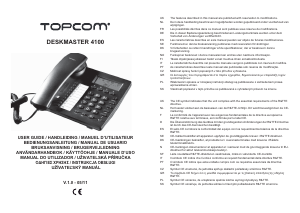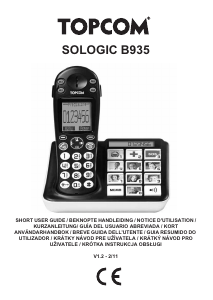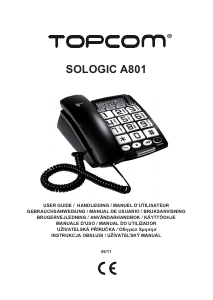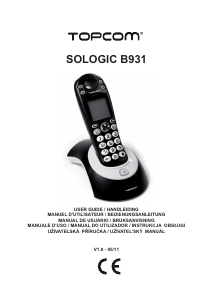
Návod Topcom Sologic A811 Telefón

Potrebujete príručku pre svoj Topcom Sologic A811 Telefón? Nižšie si môžete bezplatne prezrieť a stiahnuť príručku vo formáte PDF v slovenskom jazyku. Tento produkt má momentálne 0 často kladené otázky, 0 komentárov a má 0 hlasov. Ak toto nie je manuál, ktorý chcete, kontaktujte nás.

Je váš výrobok pokazený a nepodarilo sa vám problém odstrániť pomocou pokynov v návode? Prejdite na portál Repair Café, kde nájdete bezplatné servisné služby.

Návod

Loading…
4 Sologic A811
Sologic A811
5 Buttons / connections
(See picture on folded cover page)
1. LCD display
2. Delete key
3. Program / Dial key
4. Phone book key
5. Number store key
6. Memory key
7. VIP key
8. Hold key
9. Volume adjust button
10. Hands-free key
11. Redial / Pauze key
12. Ringer LED
13. Flash key
14. Mute key
15. Curl cord connection
16. Numerical keypad
17. Up key
18. Down key
19. Hook key
20. New call LED
21. In-use LED
22. Line connection
23. Ringer volume button
24. Handset volume button
25. Curl cord connection
6 Installation
Put batteries in the battery compartment to acti-
vate the display:
Open the battery compartment at the bottom
of the unit. Use a screw driver to remove the
screw.
Insert 4 Alkaline AA standard batteries.
Close the battery compartment.
Connect one end of the line cord to the
telephone line wall socket and the other end
to the backside of the telephone.
7 Telephone settings
7.1 Set the display language
The phone supports 8 display languages: English,
French, Spanish, Italian, German, Turkish, Polish,
Slovenian.
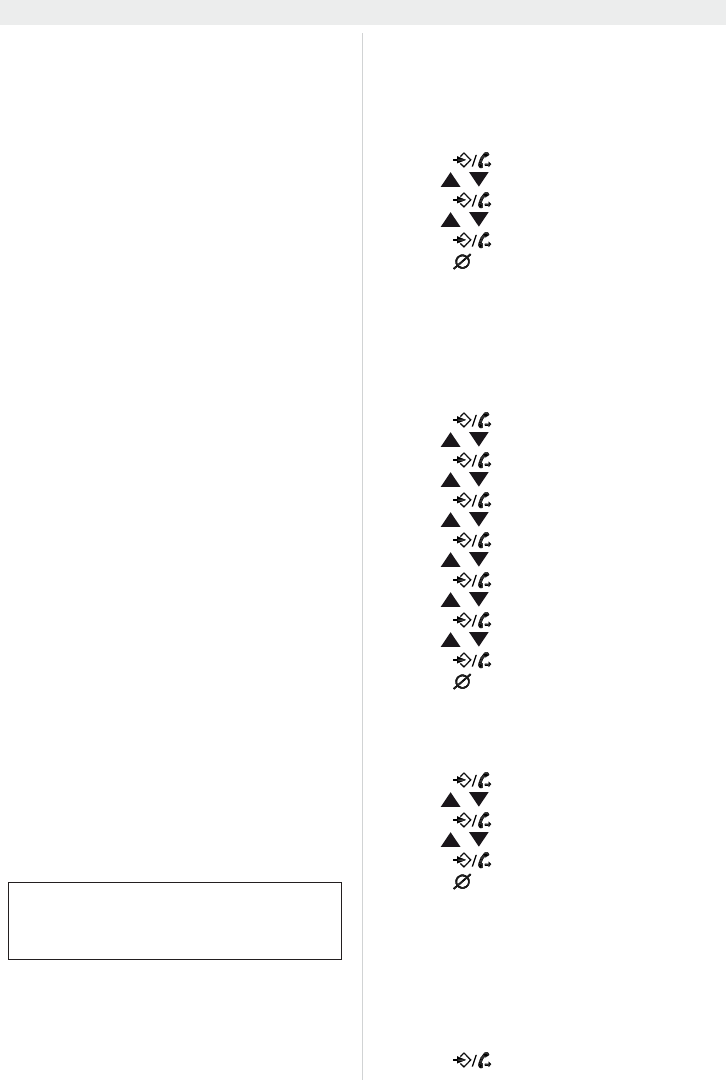
•Press .
Use / to select “
SELECT LANGUAGE“.
Press to enter the settings.
Use / to select your language.
Press to confirm.
Press to exit the menu.
7.2 Date and time
When you have a subscription to the caller ID
service and your telephone provider sends the
date and time together with the telephone
number, the phone’s clock will be set automatical-
ly. The year must always be set manually!
•Press .
Use / to select “
DATE/TIME”.
Press to enter the year settings.
Use / to change.
Press to move to the hour setting.
Use / to change.
Press to move to the minute settings.
Use / to change.
Press to move to the month settings.
Use / to change.
Press to move to the date settings.
Use / to change.
•Press .
Press to exit the menu.
7.3 Display contrast
There are 5 display contrast levels you can
choose from.
•Press .
Use / to select “
CONTRAST ADJUST”.
•Press .
Use / to change the contrast level.
•Press .
Press to exit the menu.
7.4 Set the area code
When you have a subscription to the caller ID
service it can be necessary in some countries to
enter your area code. When the telephone re-
ceives a caller ID it will remove the entered area
code from the incoming number.
You can set up to 5 digits for the area code.
Press to enter the menu.
The telephone line needs to be
disconnected prior to opening the
battery door!
Stiahnuť návod v slovenčine (PDF, 1.88 MB)
(Myslite ekologicky a návod si vytlačte, len ak je to naozaj potrebné)

Loading…

Hodnotenie

Dajte nám vedieť svoj názor na Topcom Sologic A811 Telefón a ohodnoťte výrobok. Chcete sa podeliť o svoje skúsenosti s týmto výrobkom alebo sa niečo spýtať? Napíšte komentár v spodnej časti stránky.
Ste spokojní s Topcom Sologic A811 Telefón?
Áno Žiadny
Ohodnoťte výrobok ako prvý
0 hlasy

Zapojte sa do diskusie o tomto výrobku

Tu sa môžete podeliť o to, čo si myslíte o Topcom Sologic A811 Telefón. Ak máte otázku, najprv si pozorne prečítajte návod. Vyžiadanie manuálu je možné vykonať pomocou nášho kontaktného formulára.

Viac o tomto návode

Chápeme, že je pekné mať k svojmu Topcom Sologic A811 Telefón papierovú príručku. Návod si môžete kedykoľvek stiahnuť z našej webovej stránky a vytlačiť si ho sami. Ak chcete mať originálnu príručku, odporúčame vám kontaktovať Topcom. Mohli by byť schopní poskytnúť originálny návod. Hľadáte príručku k svojmu Topcom Sologic A811 Telefón v inom jazyku? Vyberte si preferovaný jazyk na našej domovskej stránke a vyhľadajte číslo modelu, aby ste zistili, či ho máme k dispozícii.

Technické údaje

Značka Topcom
Model Sologic A811
Kategória Telefóny
Typ súboru PDF
Veľkosť súboru 1.88 MB

Všetky príručky pre Topcom Telefóny
Ďalšie príručky od Telefóny
Návod Topcom Sologic A811 Telefón

Súvisiace produkty

Súvisiace kategórie

×
Download