Návod Salter 9088 WH3R Váha

Potrebujete príručku pre svoj Salter 9088 WH3R Váha? Nižšie si môžete bezplatne prezrieť a stiahnuť príručku vo formáte PDF v slovenskom jazyku. Tento produkt má momentálne 4 často kladené otázky, 2 komentárov a má 0 hlasov. Ak toto nie je manuál, ktorý chcete, kontaktujte nás.

Je váš výrobok pokazený a nepodarilo sa vám problém odstrániť pomocou pokynov v návode? Prejdite na portál Repair Café, kde nájdete bezplatné servisné služby.

Návod

Loading…
9088
GB
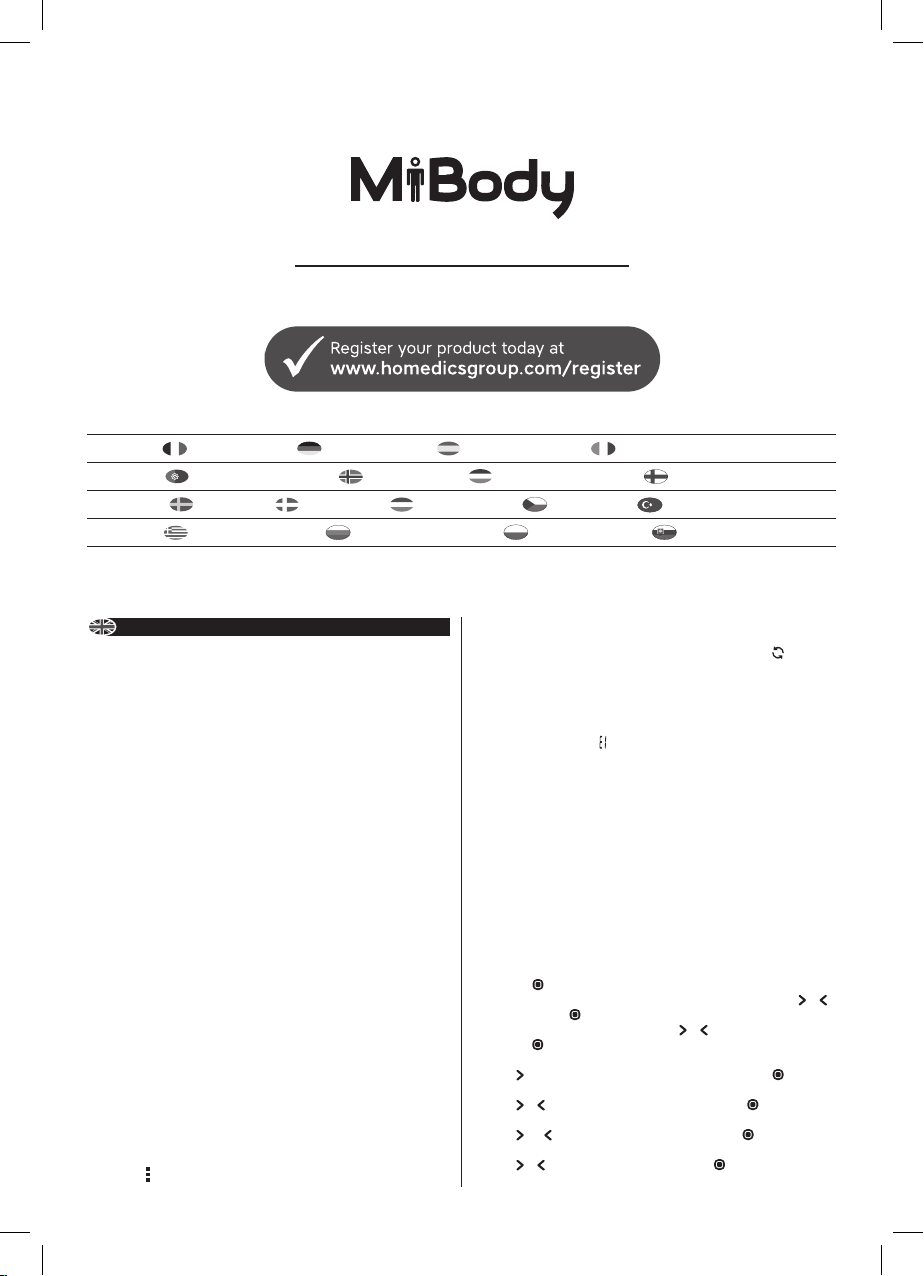
MiBODY Salter MiBody is a range of connected devices to make weight and health
management easier. Measurements are sent wireless to your mobile device and can
be viewed using the free to download MiBody App. Trends can be tracked over time
and the measurements explained with healthy/recommended ranges. The results are
stored on your personal mobile device and are private unless you choose to share
your achievements.
MiBody should be used in addition with and not as a substitute to professional
medical guidance. If you are concerned about any aspect of your health please seek
professional medical guidance.
HOW DOES THIS SALTER SCALE WORK? This Salter Scales shows your current
weight and BMI. It also remembers your previous weight and BMI readings and shows
the dierence. This scale stores the personal data of up to 8 users.
NEW FEATURE! This scale features our convenient step-on operation. Once
initialised the scale can be operated by simply stepping straight on the platform – no
more waiting!
PREPARING YOUR SCALE 1. Open the battery compartment on the scale underside.
2. Remove isolating tab from beneath the battery (if fitted) or insert batteries
observing the polarity signs (+ and -) inside the battery compartment. 3. Close
the battery compartment. 4. Select kg, st or lb weight mode by the switch on the
underside of the scale. 5. For use on carpet attach enclosed carpet feet. 6. Position
scale on a firm flat surface.
INITIALISING YOUR SCALE 1. Press the platform centre and remove your foot.
2. ‘0.0’ will be displayed. 3. The scale will switch o and is now ready for use.
This initialisation process must be repeated if the scale is moved.
At all other times step straight on the scale.
MiBODY APP Before using your device for the first time: 1. Download and install
the Salter MiBody App from the App store. Use keyword search terms “Salter” or
“MiBody”. 2. Turn Bluetooth “On” in the “Settings” menu of your mobile device.
3. Open the MiBody App and follow the on screen instructions to set up your user
account.
PAIRING DEVICES
1. Turn Bluetooth “On” in the “Settings” menu of your mobile device.
2. Open the MiBody App.
3. Press the button.
4. Press “Add Device”.
5. Press the scale to turn on the scale.
6. The App should automatically find the scale. If not, just press the “ ” to find the
scale.
7. Once found, Select the user number you wish to pair. Touch the OK button to
finish.
8. If pairing is successful, the user number will flash and cycle through the user
details on the scale.
9. If pairing is unsuccessful will be displayed.
10. The scale will automatically switch o.
11. Repeat procedure for each user and each mobile device.
Note: Each user number can only be paired with one mobile device. Results will be
sent to the paired device only.
WEIGHT READING ONLY 1. Step on and stand very still while the scale computes
your weight. 2. Your weight is displayed. 3. Step o. Your weight will be displayed
for a few seconds. 4. The scale will switch o.
AUTO USER DETECTION Auto User Detection allows Weight and BMI readings by
simply stepping straight onto the platform – no more waiting! The scale recognises a
user +/-2.5kg from the previous weight reading.
NOTE: A user number must be set up and previous weight reading taken to use Auto
User Detection.
PERSONAL DATA ENTRY
11. Press the platform centre and remove your foot.
12. Press the button.
13. While the user number is flashing, select a user number by pressing the or
buttons. Press the button to confirm your selection.
14. The male or female symbol will flash. Press or to select male/female, then
press the
button.
15. The height (cm/’:”) mode display will flash.
16. Press button until the correct symbol is flashing, then press the button.
16. The height display will flash.
16. Press or as necessary to set your height, then press the button.
17. The age display will flash.
16. Press and as necessary to set your age, then press the button.
18. The Auto User Detection display will flash A-on/A-o.
19. Press or to select A-on or A-o, then press the button.
PERSONAL SCALES
Instructions and Guarantee
E
PÈSE-PERSONNE PERSONENWAAGE BALANZA PERSONAL BILANCIA PESAPERSONA
BILANÇA PESAPERSONA BADEROMSVEKT PERSONENWEEGSCHAAL HENKILÖVAAAT
PERSONVÅG PERSONVÆGT SZEMÉLYMÉRLEG OSOBNÍ VÁHA KİŞİSEL TERAZİ
ΠΡΟΣΩΠΙΚΗ ΖΥΓΑΡΙΑ ПЕРСОНАЛЬНЫЕ ВЕСЫ WAGA ŁAZIENKOWA OSOBNÉ VÁHY
Stiahnuť návod v slovenčine (PDF, 2.94 MB)
(Myslite ekologicky a návod si vytlačte, len ak je to naozaj potrebné)

Loading…

Hodnotenie

Dajte nám vedieť svoj názor na Salter 9088 WH3R Váha a ohodnoťte výrobok. Chcete sa podeliť o svoje skúsenosti s týmto výrobkom alebo sa niečo spýtať? Napíšte komentár v spodnej časti stránky.
Ste spokojní s Salter 9088 WH3R Váha?
Áno Žiadny
Ohodnoťte výrobok ako prvý
0 hlasy

Zapojte sa do diskusie o tomto výrobku

Tu sa môžete podeliť o to, čo si myslíte o Salter 9088 WH3R Váha. Ak máte otázku, najprv si pozorne prečítajte návod. Vyžiadanie manuálu je možné vykonať pomocou nášho kontaktného formulára.

Miguel 13-05-2021
Moja váha SALTER 9088, BLUETOOH MAX spotrebuje batérie za 1 deň používania, je to normálne? Dá sa to nejako vypnúť, aby toľko nespotrebovávalo batériu?

odpovedať | Bolo to užitočné (0) (Preložené Googlom)
Maria Noaille 09-03-2024
Dobrý deň, v telefóne už nemôžem nájsť aplikáciu Salter MiBODY? Ako to môžem urobiť? VĎAKA

odpovedať | Bolo to užitočné (0) (Preložené Googlom)

Viac o tomto návode

Chápeme, že je pekné mať k svojmu Salter 9088 WH3R Váha papierovú príručku. Návod si môžete kedykoľvek stiahnuť z našej webovej stránky a vytlačiť si ho sami. Ak chcete mať originálnu príručku, odporúčame vám kontaktovať Salter. Mohli by byť schopní poskytnúť originálny návod. Hľadáte príručku k svojmu Salter 9088 WH3R Váha v inom jazyku? Vyberte si preferovaný jazyk na našej domovskej stránke a vyhľadajte číslo modelu, aby ste zistili, či ho máme k dispozícii.

Technické údaje

Značka Salter
Model 9088 WH3R
Kategória Váhy
Typ súboru PDF
Veľkosť súboru 2.94 MB

Všetky príručky pre Salter Váhy
Ďalšie príručky od Váhy

Často kladené otázky o Salter 9088 WH3R Váha

Náš tím podpory vyhľadáva užitočné informácie o výrobkoch a odpovede na často kladené otázky. Ak nájdete v našich často kladených otázkach nejakú nezrovnalosť, dajte nám o tom vedieť pomocou nášho kontaktného formulára.

Moja váha ukazuje neskutočne nízku váhu, keď na ňu stojím, prečo je to tak? Overená

Pre najlepší výsledok by mala váha stáť na tvrdom rovnom povrchu. Pokiaľ váha stojí napríklad na koberci, môže to mať vplyv na meranie.

Bolo to užitočné (2729) Čítaj viac

Čo označuje BMI? Overená

BMI označuje index telesnej hmotnosti, ktorý sa dá vypočítať vydelením hmotnosti v kilogramoch druhou mocninou výšky v metroch. Napríklad, ak má niekto hmotnosť 70 kilogramov a výšku 1,75 metra, jeho BMI je 22,86. BMI v rozsahu 18,5 až 25 sa považuje za zdravé.

Bolo to užitočné (1880) Čítaj viac

Batéria v mojom prístroji je oxidovaná. Môžem ju napriek tomu bezpečne používať? Overená

Ja, zariadenie sa dá stále bezpečne používať. Najskôr vyberte oxidizdovú batériu. Nikdy na to nepoužívajte holé ruky. Potom vyčistite priehradku na batérie vatovým tampónom namočeným v octe alebo citrónovej šťave. Nechajte zaschnúť a vložte nové batérie.

Bolo to užitočné (865) Čítaj viac

Môžem použiť váhu s mokrými nohami? Overená

To závisí od rozsahu. Pri použití diagnostickej váhy je potrebné, aby ste mali nohy suché, aby ste mohli správne vykonávať merania.

Bolo to užitočné (568) Čítaj viac
Návod Salter 9088 WH3R Váha

Súvisiace produkty

Súvisiace kategórie

×
Download